Best Microphone for Zoom Calls 2026 — Top 5 USB Mics Ranked
· 9 min read

Best Microphone for Zoom Calls 2026 — Top 5 USB Mics Ranked
Disclosure: This article contains affiliate links. If you make a purchase through these links, we may earn a commission at no extra cost to you.
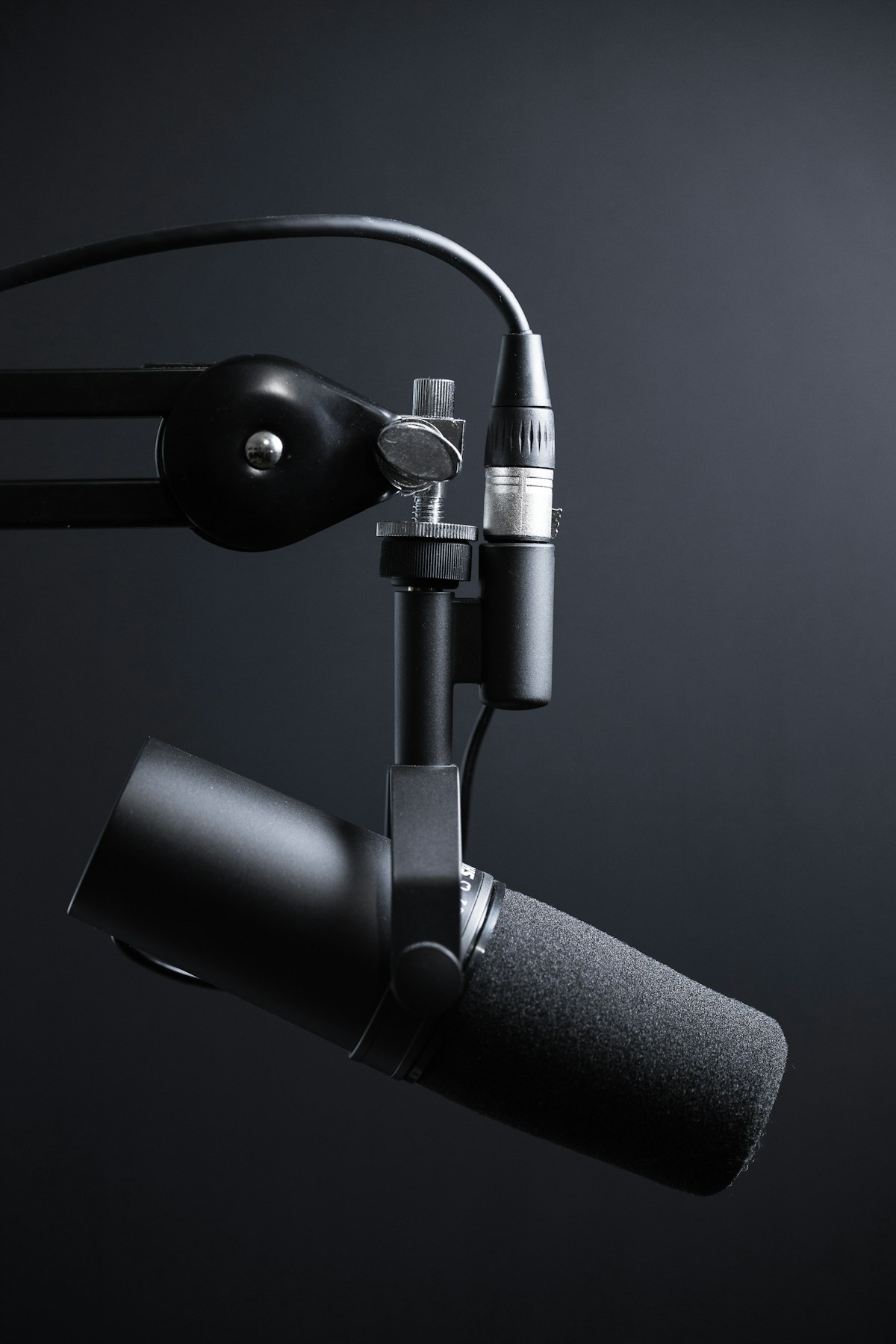
In the world of a solopreneur, every detail matters. The way you present yourself, the quality of your work, and yes, even the clarity of your voice on a Zoom call can make or break a deal. While your laptop's built-in microphone might seem "good enough," it often falls short, picking up background noise and making you sound distant and unprofessional. Investing in a dedicated USB microphone is one of the simplest and most effective ways to elevate your virtual presence. A great microphone ensures your clients and collaborators hear you with crystal-clear precision, reinforcing your professionalism and attention to detail.
This guide will walk you through the best USB microphones for solopreneurs in 2026, focusing on options that offer the perfect blend of quality, ease of use, and value. Whether you're leading a client presentation, recording a podcast, or participating in a virtual workshop, the right microphone is a cornerstone of your home office setup. We've ranked the top 5 models to help you find the perfect fit for your needs and budget. For a quick overview, you can check out the top-rated options on Amazon.
Why a Dedicated USB Microphone is a Game-Changer
For a solopreneur, perception is reality. A high-quality audio signal instantly communicates professionalism and competence. Standard built-in microphones are often omnidirectional, meaning they pick up sound from all around the room—your keyboard typing, the air conditioner humming, or a dog barking outside. This can be incredibly distracting for your listeners.
A dedicated USB microphone, by contrast, is designed to capture your voice with focus and clarity. Most feature a cardioid pickup pattern, which records sound directly in front of the mic while rejecting ambient noise from the sides and rear. The difference is not subtle; it's the gap between amateur and professional. Furthermore, their plug-and-play nature means you don't need a degree in audio engineering to get started. You simply plug it into your computer's USB port, select it as your audio input, and you're ready to go.
Top 5 USB Microphones for Zoom Calls: A Quick Comparison
| Microphone | Best For | Polar Patterns | Key Feature | Price Range |
|---|---|---|---|---|
| Blue Yeti | Overall Versatility | Cardioid, Omni, Bi-directional, Stereo | Four pickup patterns | $$ |
| HyperX QuadCast S | Gamers & Streamers | Cardioid, Omni, Bi-directional, Stereo | Tap-to-mute sensor & RGB lighting | $$$ |
| Rode NT-USB Mini | Compact Quality | Cardioid | Studio-quality sound in a small form factor | $$ |
| Elgato Wave:3 | Content Creators | Cardioid | Clipguard anti-distortion technology | $$$ |
| Samson Q2U | Budget & Flexibility | Cardioid | USB and XLR connectivity | $ |
In-Depth Reviews of the Best USB Mics for 2026
Here’s a closer look at each of our top picks, helping you understand which microphone aligns best with your specific needs as a solopreneur.
1. Blue Yeti: The All-Round Workhorse
The Blue Yeti has been a top recommendation for years, and for good reason. It offers an unbeatable combination of versatility, sound quality, and user-friendly design. Its standout feature is the inclusion of four distinct polar patterns, allowing you to adapt the microphone to various recording scenarios. For solo Zoom calls and podcasting, the cardioid mode is perfect. If you're recording an in-person interview, you can switch to the bi-directional pattern. This flexibility makes it an excellent long-term investment.
Pros:
- Excellent sound quality for the price.
- Four polar patterns provide unmatched versatility.
- Simple plug-and-play setup.
- On-mic headphone jack for zero-latency monitoring.
Cons:
- Can be bulky and heavy for some desk setups.
- Can pick up background noise if not positioned correctly.
2. HyperX QuadCast S: The Streamer's Delight
While marketed towards gamers, the HyperX QuadCast S is a phenomenal microphone for any solopreneur who values both aesthetics and functionality. It delivers rich, full-bodied audio and shares the multi-pattern versatility of the Blue Yeti. Its most beloved feature is the convenient tap-to-mute sensor on top of the microphone, complete with an LED indicator. This allows you to quickly and silently mute yourself during a call without fumbling for a button in your software. The built-in pop filter is another great touch, minimizing harsh "p" and "b" sounds.
Pros:
- Convenient tap-to-mute function.
- Built-in pop filter and shock mount.
- Excellent, clear audio quality.
- Customizable RGB lighting adds a modern touch.
Cons:
- Higher price point.
- RGB lighting may not be for everyone.
3. Rode NT-USB Mini: Compact and Professional
Rode is a legendary name in the world of professional audio, and the NT-USB Mini brings that studio-grade quality to your desk in a compact, elegant package. This microphone is all about simplicity and excellence. It features a single, high-quality cardioid pattern that’s perfectly tuned for vocal clarity. The magnetic, detachable stand is a clever design choice, making it easy to position or attach to a boom arm. If you want no-fuss, broadcast-quality audio in a small footprint, this is the mic for you.
Pros:
- Superb, professional-grade audio quality.
- Compact and sleek design.
- High-quality, zero-latency headphone output.
- Simple and intuitive to use.
Cons:
- Only one polar pattern (cardioid).
- The included stand is short.
4. Elgato Wave:3: The Tech-Savvy Choice
The Elgato Wave:3 is built for the modern content creator and tech-forward solopreneur. Its audio quality is crisp and clear, but its real power lies in its software integration. The Wave Link software allows you to mix audio from multiple sources, giving you a level of control typically reserved for complex physical mixers. Its proprietary "Clipguard" technology is another killer feature, automatically preventing audio distortion if you get too loud. For anyone creating tutorials, running webinars, or streaming, the Wave:3 is a powerhouse.
Pros:
- Clipguard technology prevents audio clipping.
- Powerful Wave Link software for mixing audio sources.
- Capacitive mute button is silent and responsive.
- Excellent vocal clarity.
Cons:
- Software can have a learning curve.
- Plastic build feels less premium than competitors.
5. Samson Q2U: The Ultimate Budget Pick
Don't let the low price fool you—the Samson Q2U is a fantastic microphone that offers incredible value. What makes it unique on this list is its dual USB and XLR connectivity. This means you can start by plugging it directly into your computer via USB, and if you ever decide to upgrade to a more advanced setup with an audio interface or mixer, the Q2U can grow with you. As a dynamic microphone, it’s also excellent at rejecting background noise, making it a great choice for less-than-ideal recording environments. For a complete home office communication setup, pair it with one of the best webcams for video calls.
Pros:
- Both USB and XLR outputs for maximum flexibility.
- Excellent background noise rejection.
- Durable metal construction.
- Unbeatable value for the price.
Cons:
- Sound quality is good, but not as rich as more expensive condenser mics.
- Accessories are functional but basic.
How to Choose the Right Microphone for You
With so many great options, how do you decide? Here are the key factors to consider:
- Primary Use Case: Are you only making Zoom calls, or do you plan to podcast, stream, or record music? For maximum flexibility, a multi-pattern mic like the Blue Yeti or HyperX QuadCast S is a safe bet. For pure vocal clarity in calls, the Rode NT-USB Mini is hard to beat.
- Your Environment: If you work in a noisy environment, a dynamic microphone like the Samson Q2U will be more forgiving than a sensitive condenser microphone.
- Budget: The Samson Q2U offers the best bang for your buck, while models like the Elgato Wave:3 and HyperX QuadCast S command a premium for their advanced features.
- Desk Space: If your desk is cluttered, the compact Rode NT-USB Mini is a clear winner.
Ultimately, any of the microphones on this list will be a massive upgrade over your computer's built-in mic. Investing in clear audio is investing in your professional brand. Ready to make your choice? Explore the top USB microphones on Amazon and take the first step toward better-sounding calls.
Frequently Asked Questions
1. Do I really need a dedicated microphone for Zoom? While not strictly necessary, a dedicated microphone dramatically improves audio quality, making you sound more professional and ensuring your message is heard clearly without distracting background noise.
2. What is a polar pattern? A polar pattern describes the area around the microphone where it is most sensitive to sound. Cardioid is the most common for solo recording, as it picks up sound from the front and rejects it from the sides and back.
3. What's the difference between a dynamic and a condenser microphone? Condenser microphones (like the Yeti, QuadCast, NT-USB Mini, and Wave:3) are more sensitive and capture a more detailed, nuanced sound, making them ideal for studio-like conditions. Dynamic microphones (like the Q2U) are more rugged and better at rejecting background noise, making them great for untreated rooms.
4. Do I need a pop filter or a boom arm? A pop filter is highly recommended to reduce plosives (harsh "p" and "b" sounds). A boom arm is a great ergonomic upgrade that helps you position the microphone perfectly for your voice while freeing up desk space. Many microphones have these available as optional accessories.
5. Is a USB microphone better than an XLR microphone? For solopreneurs, a USB microphone is typically better because of its simplicity. It's plug-and-play. An XLR microphone requires an additional piece of hardware called an audio interface to connect to your computer, which adds cost and complexity. The Samson Q2U uniquely offers both options.
About the Author: Renato is a former Senior Operations Manager with 30 years in multinational logistics who now helps solopreneurs build efficient businesses. Connect at YourSolopreneurKit.com.
About the Author
The Your SoloPreneur Kit Team — Honest tool reviews, home office guides, and actionable strategies for solopreneurs. Built by a 30-year operations veteran who managed teams across Panama, Central America, and the Caribbean.
Subscribe to The Solopreneur Edge
Get weekly tool reviews, productivity tips, and business strategies delivered to your inbox. Join our growing community of solopreneurs.
Subscribe to Newsletter