Best USB Hub and Docking Station for Home Office 2026
· 8 min read

This article contains affiliate links. If you purchase through our links, we may earn a commission at no extra cost to you. See our Affiliate Disclosure for details.
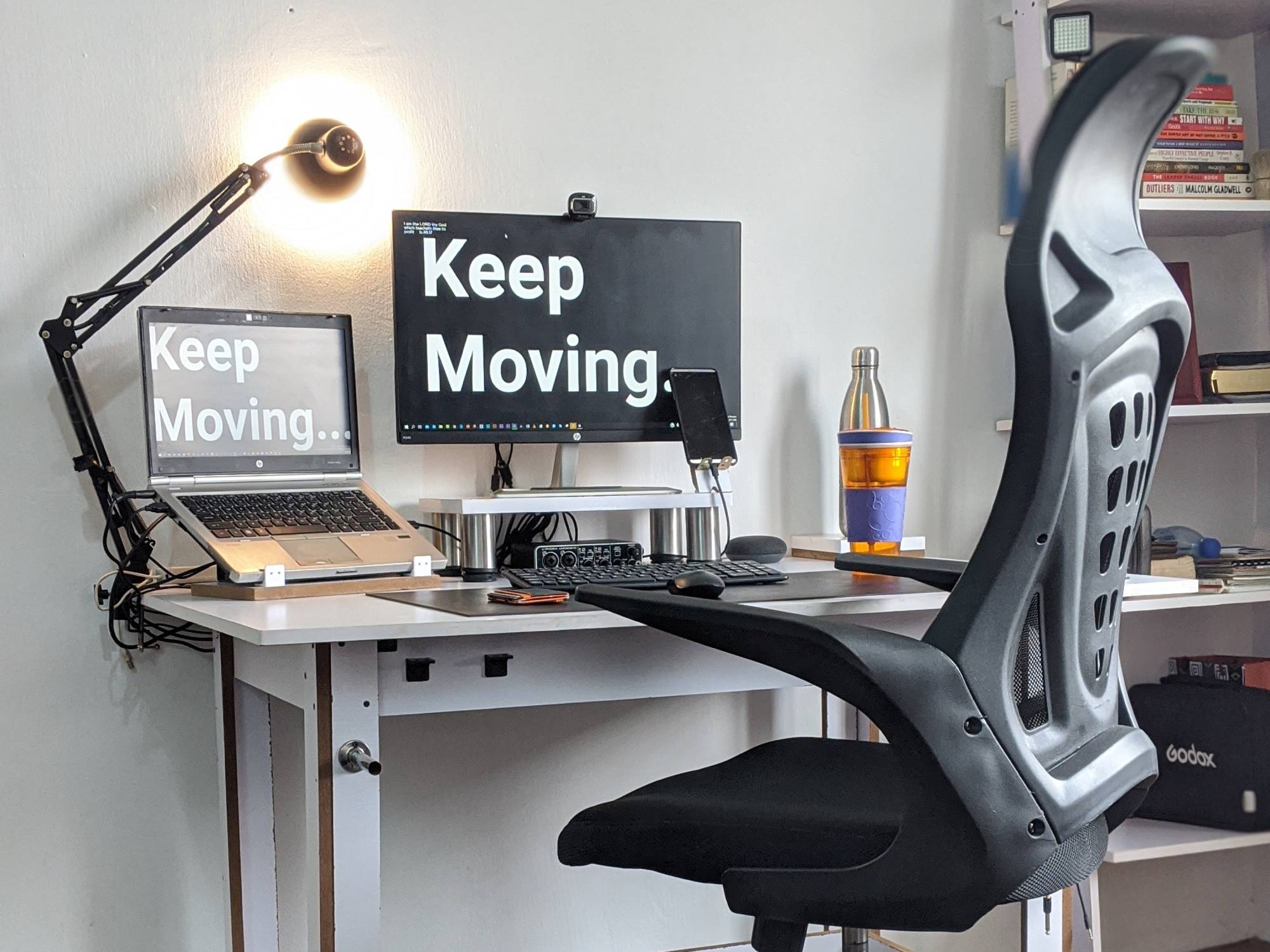
Best USB Hub and Docking Station for Home Office 2026: Simplify Your Setup
Modern laptops are sleek, powerful, and portable, but they often come with a major drawback: a limited number of ports. For solopreneurs and home office professionals who need to connect multiple peripherals like a monitor, keyboard, mouse, webcam, and external drives, this can be a significant bottleneck. A USB-C hub or docking station is the perfect solution, allowing you to transform a single USB-C port into a full-fledged workstation.
Quick Verdict: For the best balance of power, ports, and performance, the CalDigit TS4 Thunderbolt 4 Dock is our top recommendation. It’s a powerhouse that can handle even the most demanding setups with ease.
Comparison of the Best USB Hubs and Docking Stations
| Product | Price Range | Key Feature | Best For | Amazon Link |
|---|---|---|---|---|
| CalDigit TS4 | $300 - $400 | 18 ports, 98W power delivery | Power users with demanding setups | Link |
| Anker 575 USB-C Hub | $80 - | |||
| 20 | 12-in-1, Dual HDMI | Dual monitor setups | Link | |
| Plugable UD-6950Z | ||||
| 00 - | ||||
| 50 | Dual 4K DisplayPort and HDMI | Users needing dual 4K displays | Link | |
| Anker PowerExpand 8-in-1 | $50 - $80 | Compact and portable | Travelers and minimalist setups | Link |
| UGreen 9-in-1 | $40 - $60 | Affordable and versatile | Budget-conscious users | Link |
In-Depth Reviews
1. CalDigit TS4 Thunderbolt 4 Dock
The CalDigit TS4 is the undisputed king of docking stations. With a staggering 18 ports, it can handle anything you throw at it. It offers up to 98W of power delivery, which is enough to charge even the most power-hungry laptops. The port selection is extensive, including multiple Thunderbolt 4, USB-A, and USB-C ports, as well as DisplayPort, Ethernet, and an SD card reader. While it comes with a premium price tag, its performance and reliability are unmatched.
2. Anker 575 USB-C Hub
The Anker 575 is a versatile and well-rounded USB-C hub that is perfect for dual monitor setups. It features two HDMI ports, allowing you to connect two 4K displays at 60Hz. It also has a good selection of other ports, including USB-A, USB-C, Ethernet, and an SD card reader. With 85W of power delivery, it can keep your laptop charged while you work.
3. Plugable UD-6950Z
The Plugable UD-6950Z is another excellent option for users who need to connect two 4K displays. It features both DisplayPort and HDMI ports, giving you flexibility in how you connect your monitors. It also has a good selection of USB ports and an Ethernet port. However, it only provides 60W of power delivery, which may not be enough for some larger laptops.
4. Anker PowerExpand 8-in-1
For those who need a more portable solution, the Anker PowerExpand 8-in-1 is an excellent choice. It’s compact and lightweight, making it easy to take with you on the go. Despite its small size, it still packs a good selection of ports, including HDMI, USB-A, USB-C, and an SD card reader. It also supports 100W power delivery, so you can keep your laptop charged while you work.
5. UGreen 9-in-1
The UGreen 9-in-1 is a great budget-friendly option that still offers a good selection of ports. It includes HDMI, USB-A, USB-C, Ethernet, and an SD card reader. It also supports 100W power delivery. While it may not have the same premium feel as some of the more expensive options, it’s a reliable and affordable way to expand your laptop’s connectivity.
Hub vs. Dock: What’s the Difference?
While the terms "hub" and "dock" are often used interchangeably, there is a key difference between them. A USB-C hub is typically a smaller, more portable device that offers a basic selection of ports. A docking station, on the other hand, is a larger, more powerful device that is designed to be a permanent fixture on your desk. Docking stations often offer more ports, higher power delivery, and more advanced features like the ability to drive multiple high-resolution displays.
For more tips on setting up your home office, check out our articles on the best monitors for your home office and the best cable management solutions. We also have a guide on how to create the best home office setup for under $500.
Conclusion
A USB-C hub or docking station is an essential tool for any solopreneur or home office professional. It can help you to simplify your setup, reduce clutter, and improve your productivity. For the ultimate in power and performance, we recommend the CalDigit TS4 Thunderbolt 4 Dock. It’s a premium product that is worth the investment for anyone who needs a reliable and versatile docking station.
About the Author: The YourSolopreneurKit Team tests and reviews tools to help solopreneurs work smarter. With 30+ years of business experience, we focus on practical recommendations that deliver real value.
About the Author
The Your SoloPreneur Kit Team — Honest tool reviews, home office guides, and actionable strategies for solopreneurs. Built by a 30-year operations veteran who managed teams across Panama, Central America, and the Caribbean.
Subscribe to The Solopreneur Edge
Get weekly tool reviews, productivity tips, and business strategies delivered to your inbox. Join our growing community of solopreneurs.
Subscribe to Newsletter